

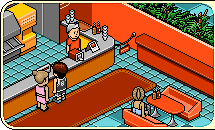
Your hotel guide
Everything starts with your Habbo.
- Create an account or log in. Keep the recovery code you receive when registering somewhere safe.
- Check In. Once signed in, the Check In button opens the hotel with your Habbo automatically.
- Explore. Open the Navigator to visit public rooms, find other Habbos or make your own room.
- Make yourself at home. Use the catalogue to buy furniture. Your purchases arrive in your hand, ready to place.
- Choose your look. The Avatar and Badge buttons are inside the client. Habbo Club can be purchased in the catalogue.